
Solutions & Services
Microsoft 365 Business Basic vs Standard vs Premium: What Changes for Security?
-
Published Date
24th November 2026
If your business already uses Microsoft 365 Business Basic or Business Standard, you have the tools for everyday email, file sharing and collaboration. Business Standard also includes desktop versions of apps such as Word, Excel and Outlook.
Business Premium adds more ways to protect the accounts, devices and data your teams rely on. That includes checking links and attachments for threats, controlling access from unmanaged devices and setting rules for how sensitive information can be shared. Here’s what those controls could mean for your business.
Business Basic & Business Standard
For many organisations, Microsoft 365 is at the heart of daily operations. From communicating through Outlook and collaborating in Microsoft Teams to sorting documents in OneDrive and SharePoint, businesses rely on M365 to keep employees connected and productive.
M365 Business Basic and Business Standard are popular choices for small and medium-sized businesses, offering essential tools at an accessible price point. However, while these business plans deliver significant productivity benefits, they don't provide the same comprehensive security, device management, and identity protection capabilities included in M365 Business Premium.
The question is no longer whether your business has the tools to work efficiently. It’s whether those tools are sufficiently protected.
Cyber Criminals Don't Just Target Large Organisations
One of the biggest misconceptions among smaller businesses is that cyber attacks primarily affect larger organisations. In reality, businesses of all sizes face threats such as phishing, ransomware, compromised accounts and business email fraud. Smaller businesses can be particularly vulnerable when they lack dedicated cybersecurity resources or rely on basic security configurations.
According to the most recent Microsoft Digital Defence Report (2026), Government agencies, IT, Research and Academia are the top three most targeted sectors. For research and education organisations, the combination of valuable data, highly collaborative environments, and legacy tools can make them an attractive target for cybercriminals.
But no business is too small, or in the "wrong" industry, to become a target. It only takes one successful cyberattack to damage your reputation, compromise crucial data, disrupt day-to-day operations and cause significant financial loss. That’s why taking a proactive approach to security and making it part of everyday business operations is so important, helping businesses stay protected before an incident occurs.
For SMBs, the cost of strengthening security today can be far lower than the financial and operational impact of recovering from a successful cyberattack.
What does Microsoft 365 Business Premium Add?
• Microsoft Defender for Office 365 Plan 1 – email remains one of the most common routes used by attackers, and Defender for Office P1 adds enhanced protection for email and collaboration through Safe Links, Safe Attachments and anti-phishing capabilities.
Value for SMBs: It provides an additional layer of protection against phishing emails. We see time and time again how easily employees can accidentally click on a malicious link or respond to an email that appears innocent, potentially compromising both the individual and the wider business.
• Microsoft Defender for Business – provides enterprise-grade endpoint security designed specifically for smaller organisations, helping protect Windows, macOS, iOS and Android devices against threats such as malware and ransomware. It includes capabilities such as threat and vulnerability management, attack surface reduction (ASR), endpoint detection and response (EDR), and automated investigation and remediation (AIR).
Value for SMBs: rather than relying solely on traditional antivirus, businesses gain more advanced tools to prevent, detect, investigate and respond to threats across their devices
• Microsoft Entra ID P1 - strengthens identity and access security. One of its most valuable capabilities is conditional access, which lets businesses to control access to company resources based on conditions such as the user, device, location, or level of risk. For example, businesses could require stronger authentication when an employee accesses M365 from outside of the corporate network or prevent access from an unmanaged device.
Value for SMBs: It helps businesses move beyond simply protecting accounts with passwords and gives administrators much greater control over who can access company data and under what conditions.
• Microsoft Intune Plan 1 – provides cloud-based device and application management. Businesses can manage company-owned and personal devices, apply security policies, configure devices and protect organisational data. For example, if an employee loses a company device, admins can remotely protect or remove company information.
Value for SMBs: It makes supporting hybrid and remote working much easier while helping ensure that the devices accessing business data meet the organisation's security requirements.
• Information Protection – this feature helps businesses discover, classify and protect sensitive information. Sensitivity labels can be applied to documents and emails to indicate how information should be handled and apply protections where appropriate. This prevents accidental data sharing, as anything marked Confidential or Highly Confidential will have sharing restrictions.
Value for SMBs: protection can stay with sensitive business information wherever employees work with it, helping businesses better control confidential, personal and commercially sensitive data.
• Microsoft Purview Data Loss Prevention – helps businesses identify sensitive information and establish rules governing how that information can be shared. For example, DLP policies can help identify information such as financial details or personal data and intervene when users attempt to share it in ways that conflict with company policy.
Value for SMBs: Not every breach is caused by a cyberattack. Employees can accidentally send sensitive information to the wrong person or share it incorrectly. DLP provides controls designed to reduce the risk while supporting data protection and compliance requirements.
Book a Microsoft 365 Licensing Review
We can help you understand what your current licences cover, where you may need additional security controls and whether Business Premium makes sense for your organisation and budget.
There’s no obligation to change licences.
MORE FROM MISCO
Keep Exploring
Discover more insights, advice and updates from the Misco.
Artificial Intelligence
Microsoft 365 Copilot has changed. Here’s what it can do now.
If your impression of Microsoft 365 Copilot was formed a year ago, what you can do with it now may surprise you.

SOLUTIONS & SERVICES
Passkeys are about to become the default in Entra ID. Here's what that actually means for your tenant.
On 13 July, Microsoft confirmed the biggest change to Entra ID authentication in years. From 1 September 2026, passkeys become the default authentication experience. From 1 February 2027, Microsoft stops delivering SMS and voice codes altogether.

The value of Managed Print Services for modern workplaces
At Misco, we work with organisations of all sizes to simplify and optimise their print environments. By combining leading managed print solutions with our experienced account managers and technical specialists, we help businesses reduce unnecessary costs, improve reliability and choose the right print strategy for their needs.

NETWORKING
8 Connectivity Challenges Facing Manufacturing, Warehousing & Logistics Businesses
Modern manufacturing plants, warehouses and logistics facilities rely on connectivity more than ever before. From barcode scanners and handheld terminals to warehouse management systems, robotics, IoT sensors and autonomous vehicles, reliable network performance is critical to keeping operations running smoothly.
DATA STORAGE & BACKUP
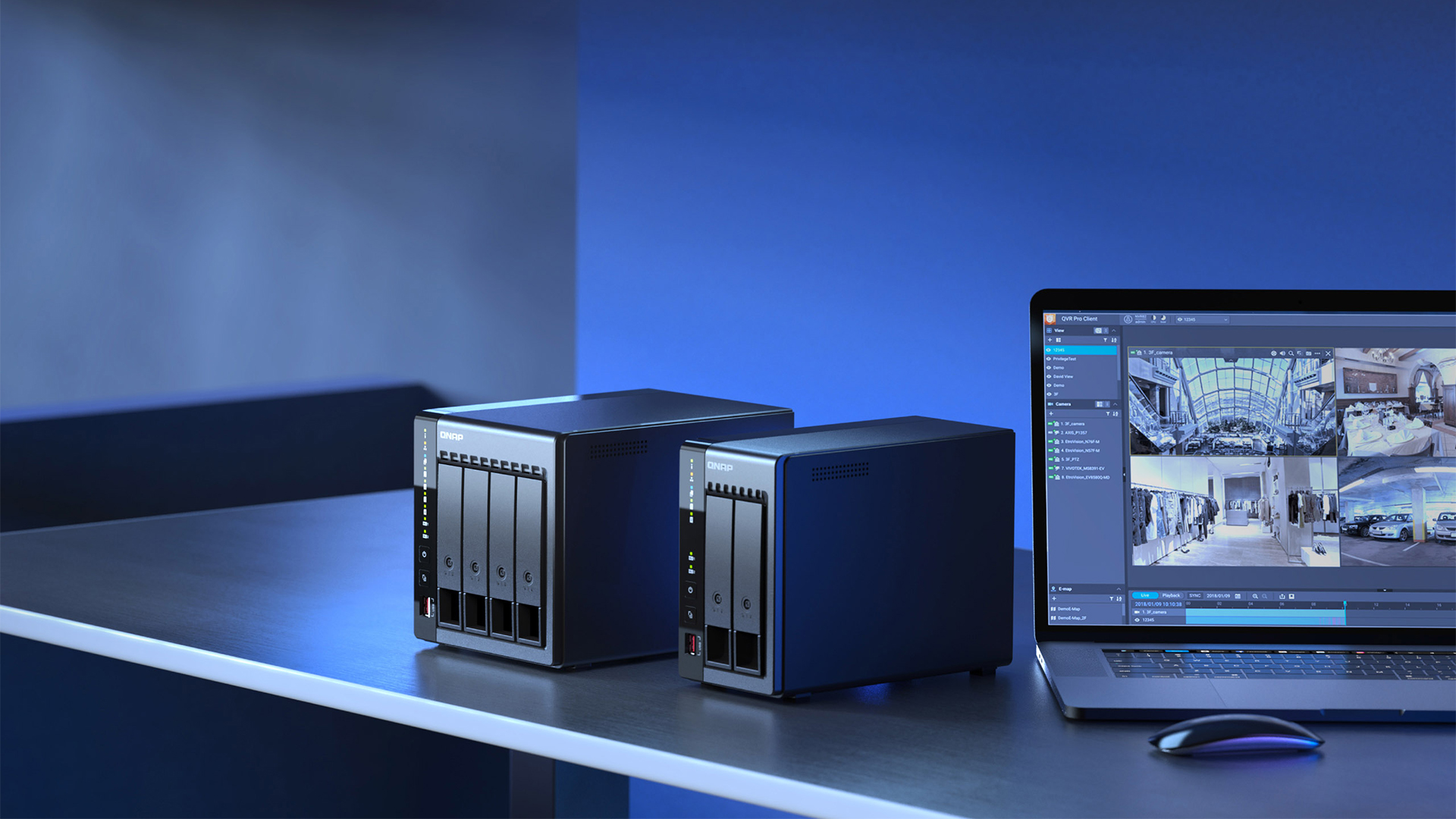
How Manufacturers Can Scale Video Surveillance and Storage Infrastructure
Manufacturing environments generate more data than ever before. From production line monitoring and compliance recording to warehouse surveillance and workplace safety, modern facilities rely heavily on video data to support day-to-day operations.

SOLUTIONS & SERVICES
Why Cyber Resilience Starts at the Login
In today’s rapidly evolving threat landscape, cyber resilience is no longer optional, it’s essential. As cyberattacks become more targeted and sophisticated, enterprise security leaders are being forced to rethink traditional security strategies.
No articles match. Try a different search term.